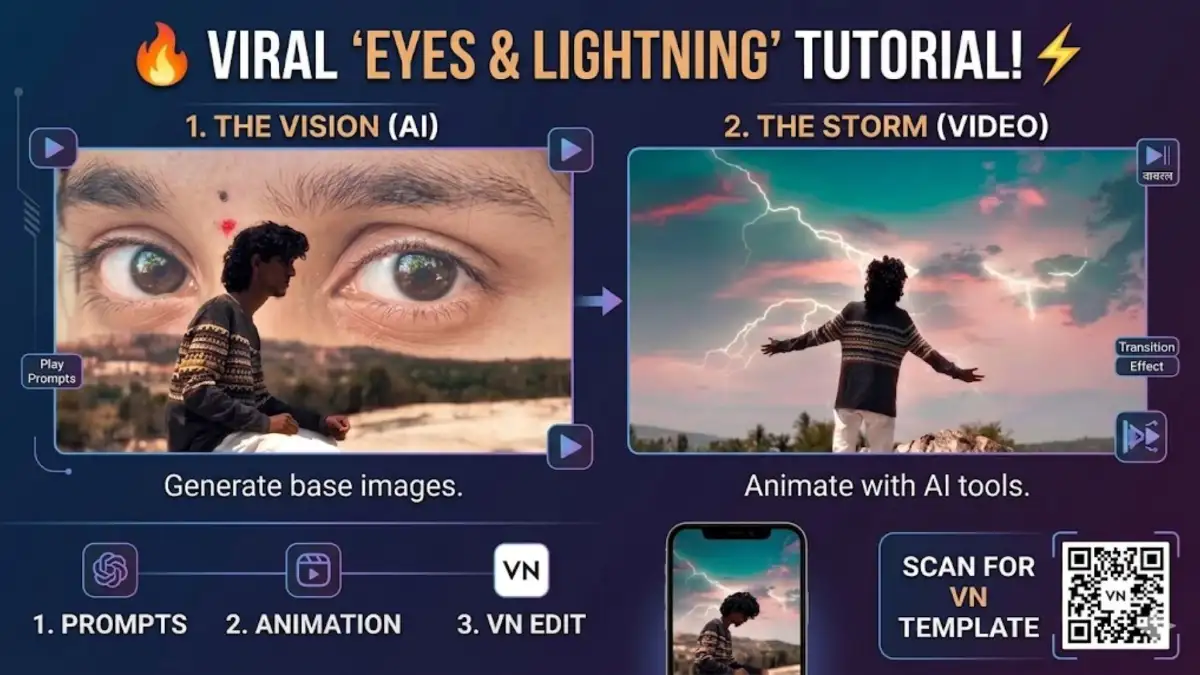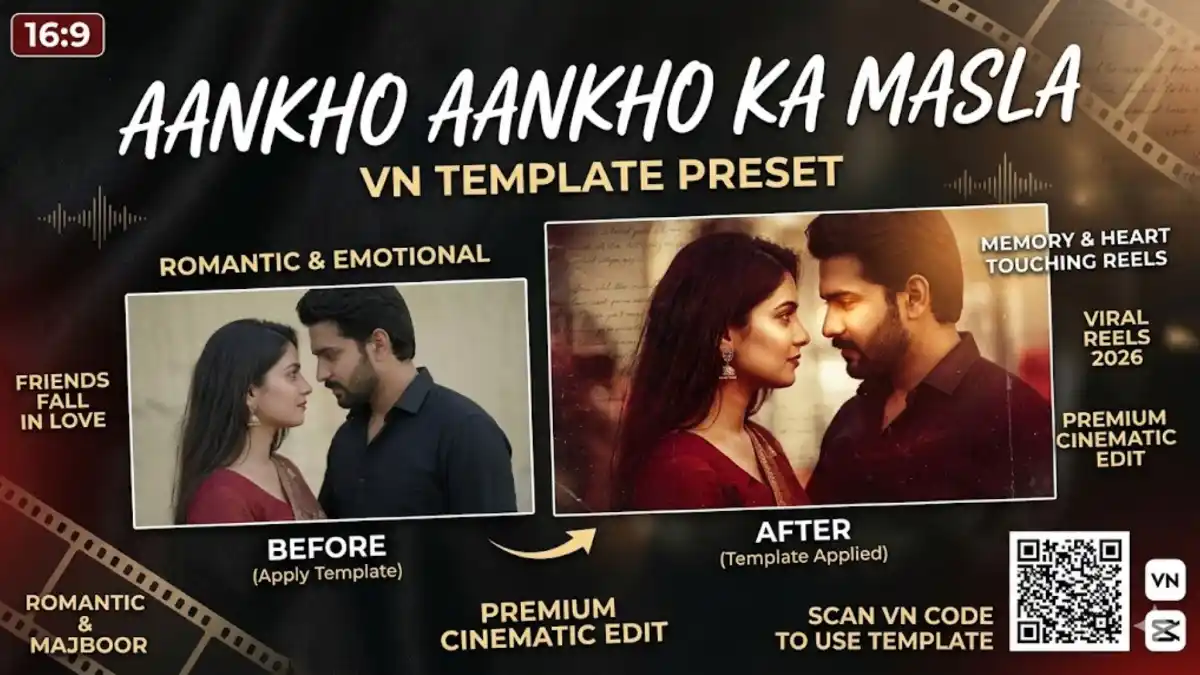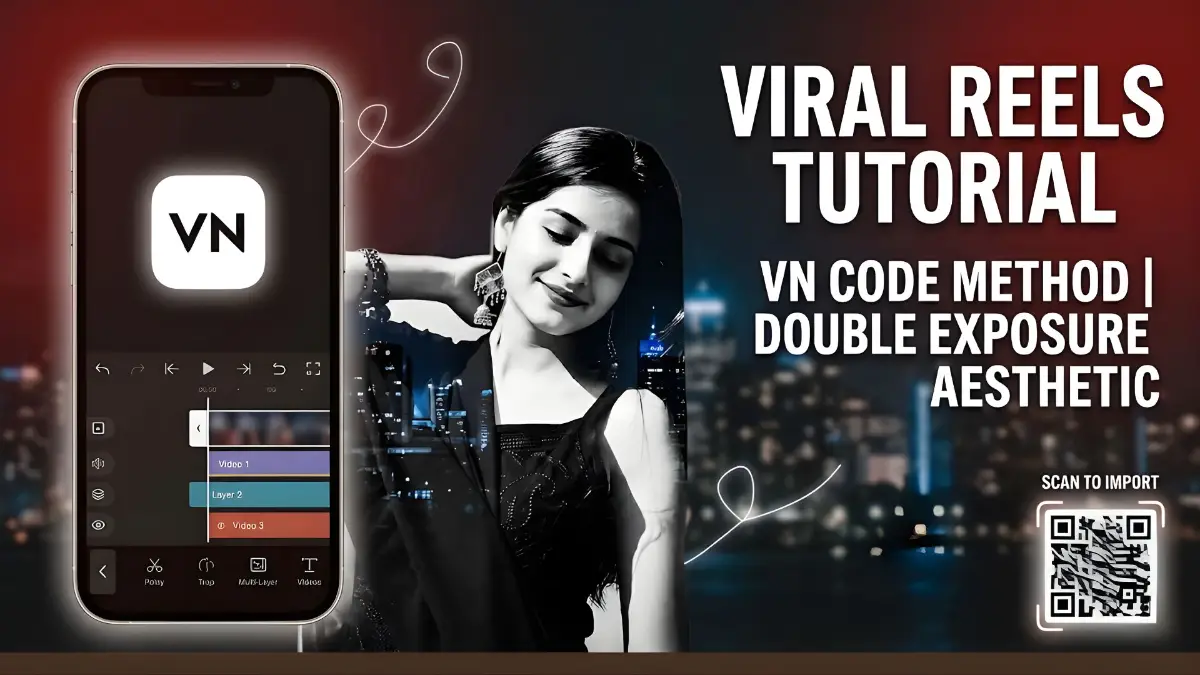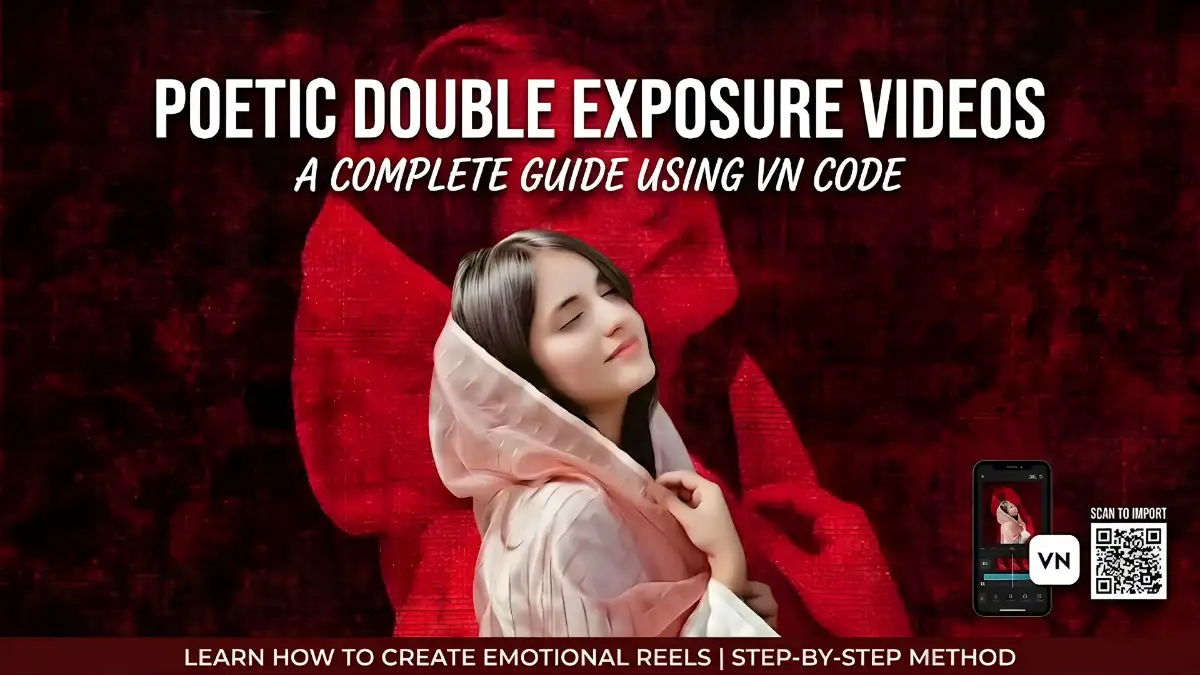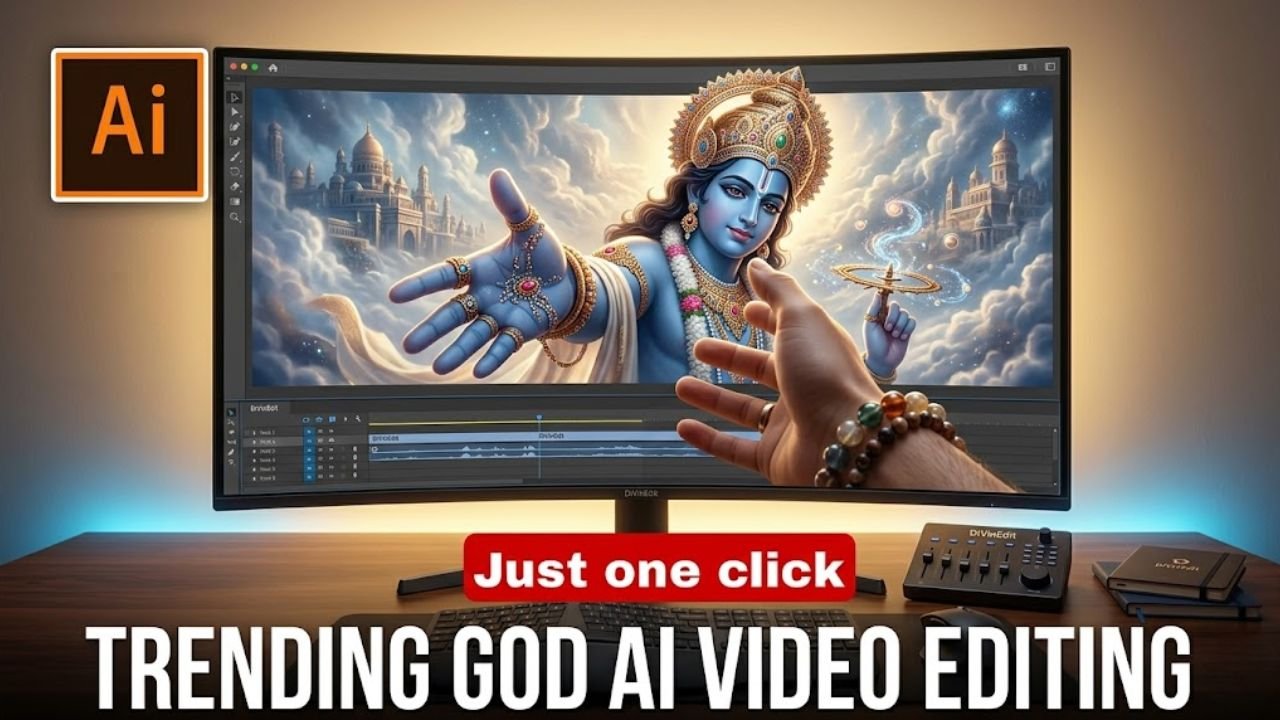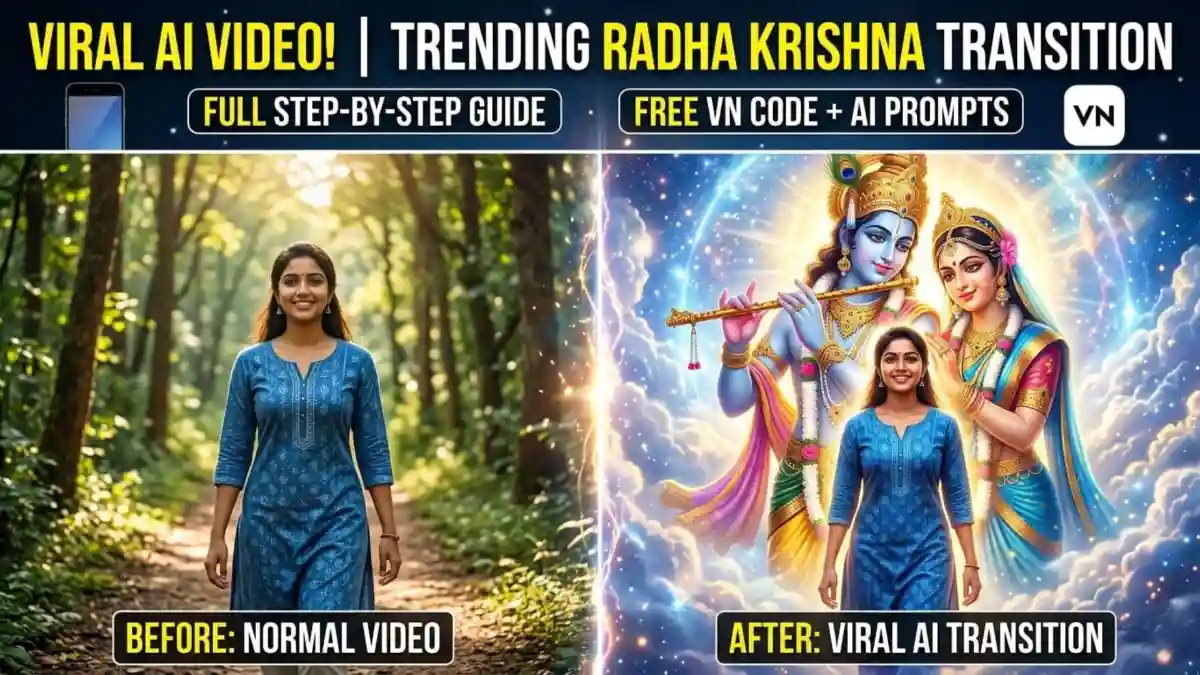
Aajkal Instagram aur YouTube Shorts par ek naya trend kaafi viral ho raha hai jisme ek normal video ya photo ek dam se divine Radha Krishna background (ya kisi aur deity) mein transition ho jati hai. Yeh videos dekhne mein bahut cinematic aur spiritual lagti hain, jiski wajah se inpar millions mein views aur likes aate hain.
Agar aap bhi aisi AI transition video banakar apne social media accounts ko grow karna chahte hain, toh aap bilkul sahi jagah par hain. Is article mein hum aapko step-by-step batayenge ki AI ki madad se aisi video kaise generate karein aur VN Editor Code ka use karke isko professionally kaise edit karein.
Step 1: AI Tool Se Perfect Image Generate Karein
Aisi video banane ke liye sabse pehle aapko ek aisi image chahiye jiske background mein divine elements hon. Iske liye aap Bing Image Creator (DALL-E 3) ya Midjourney ka free/paid use kar sakte hain.
Best AI Prompt (Copy-Paste Karein):
“A hyper-realistic cinematic portrait of a smiling Indian girl/boy walking in a forest path. In the background, there is a massive, faint, and glowing artistic sketch of Lord Krishna and Radha in the sky. Soft sunlight, 8k resolution, ethereal and magical atmosphere.”
Pro Tip: Image ka aspect ratio 9:16 (vertical) rakhein taaki reels par perfect fit aaye.
Step 2: Image ko Video (Motion) Mein Convert Karein
Ab aapki image ready hai, lekin usme motion daalna baaki hai. Iske liye hum AI Video Generators ka use karenge jaise Luma Dream Machine, Kling AI, ya Runway Gen-2.
Apne pasandida AI video tool par login karein.
Apni banayi hui image upload karein.
Text to Video Prompt mein likhein: “Slow cinematic zoom out, the character smiles and walks slightly forward, the divine background of Radha Krishna glows and reveals smoothly, wind blowing in hair.”
Video generate hone ke baad use high quality (HD/4K) mein download kar lein.
Step 3: VN Editor Mein Editing aur “VN Code” Ka Use
Ab aate hain sabse main step par—Editing. Is video ko viral banane ke liye beat-sync transition bahut zaroori hai. Iske liye VN Video Editor sabse best free app hai.
Option A: VN Code (Template) Use Karein (Fastest Way)
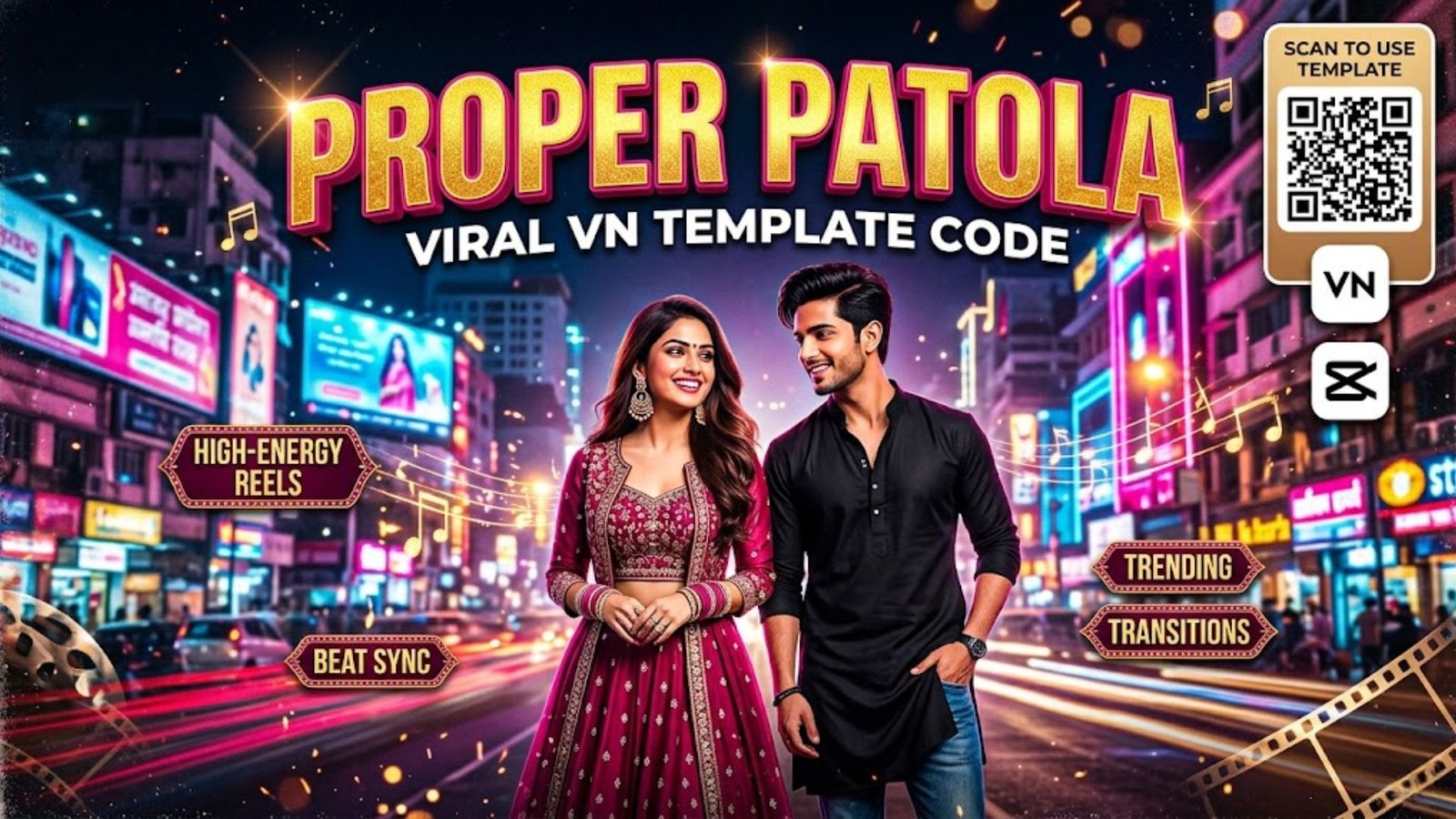
- Agar aapko manual editing mein time waste nahi karna hai, toh aap VN Codes (QR templates) ka use kar sakte hain.
- Instagram ya Pinterest par “Radha Krishna VN Code” ya “Trending Transition VN Template” search karein.
- Uss QR code ka screenshot lein.
- VN App open karein, upar right corner mein Scan icon par click karein.
- Apni gallery se wo QR code select karein.
- Template open hone par apni AI generated video usme daal dein. VN app automatically music, filters aur transition sync kar dega. Export par click karein!

Option B: Manual Editing Process (Custom Look Ke Liye)
- Agar aap khud edit karna chahte hain:
- Import: VN App mein apni AI video import karein.
- Audio: Ek trending flute ya lo-fi spiritual music add karein (Jaise: In a world full of… trend audio).
- Beat Sync: Jahan music mein drop/beat aaye, wahan video ko ‘Split’ karein.
- Transition Add Karein: Split point par click karke “Zoom In” ya “Flash” transition lagayein.
- Filters & FX: Video ke dusre hisse (jahan background reveal hota hai) par ‘Vivacious’ filter aur thoda sa ‘Exposure’ (+10) badha dein taaki glow effect aaye.
- Export: 1080p ya 4K resolution aur 60 FPS par video export kar lein.
- Viral Karne Ke Bonus Tips
- Catchy Text on Video: Screen par “In a world full of… Wo nahi toh koi aur sahi” jaise trending quotes likhein, jaise viral videos mein hota hai.
- Use Trending Hashtags: #RadhaKrishna #AIVideoEditing #VNTemplate #TrendingReels #CinematicTransition ka use zaroor karein.
- High-Quality Upload: Instagram settings mein “Upload at highest quality” zaroor on rakhein.
Conclusion
AI aur VN Editor ke combination se aap bina kisi heavy PC software ke mobile par hi aisi cinematic aur divine videos bana sakte hain. Upar diye gaye AI prompts aur VN code tricks ko follow karein, aur apni reels ko viral banayein! Agar aapko kisi aur specific trend ki editing sikhni hai, toh comment karke zaroor batayein.