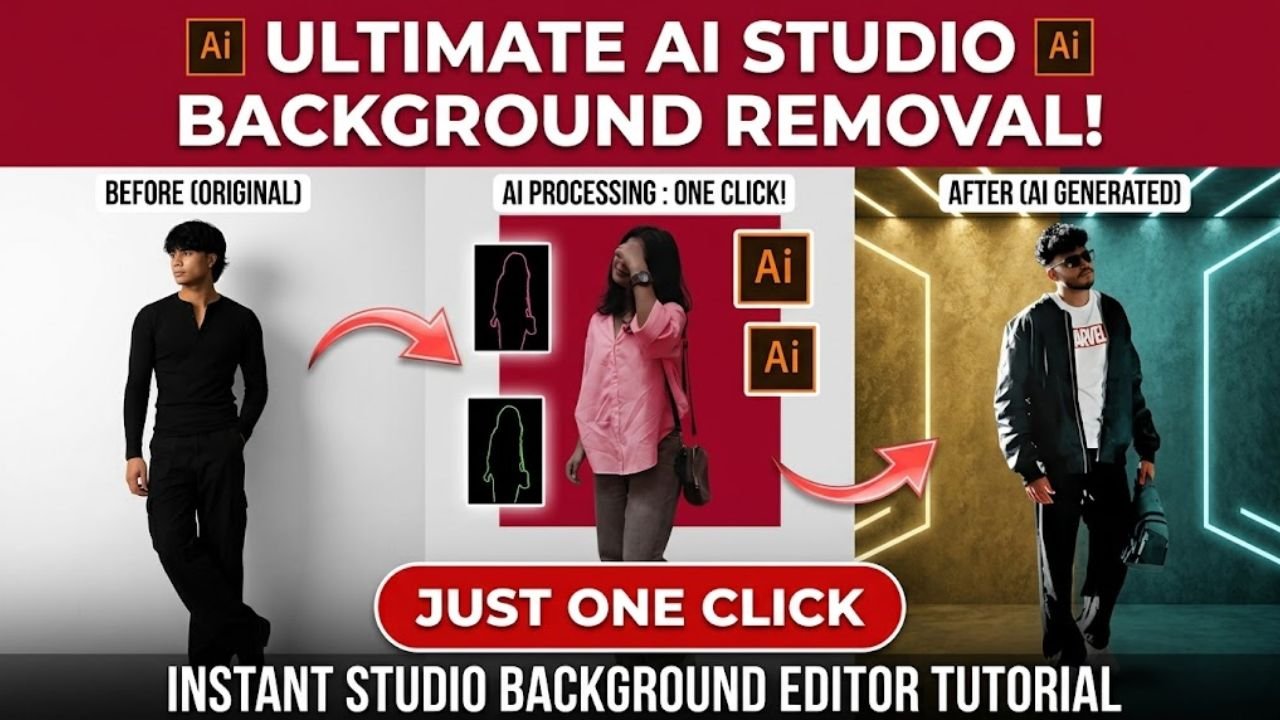
If you want to turn your simple photos into professional studio-style images that are currently trending on social media, then you’re in the right place. In this guide, you’ll learn step-by-step how to create a stunning studio background photo using AI tools—quickly and easily.
What is Studio Background AI Photo Editing?
Studio background AI photo editing is a modern technique where artificial intelligence is used to replace your photo’s background with a clean, professional studio setting.
The final image looks like it was captured in a real photography studio with perfect lighting—even though it was created digitally. The best part is that you don’t need advanced editing skills. Everything is handled automatically by AI.
Why This Trend is Going Viral
This trend is becoming extremely popular because it is simple, fast, and produces professional-looking results.
People love it because:
- It saves time and effort
- No need to visit a real studio
- AI creates realistic lighting and effects
- Perfect for social media profiles and posts
That’s why many creators are using this trend to enhance their content and attract more followers.
Best AI Tools for Studio Background Editing
Here are some popular tools you can use:
- Google Gemini – Great for fast and realistic results
- ChatGPT – Ideal for high-quality prompt-based output
- PicsArt – Useful for manual editing with AI features
Even if you have zero editing experience, these tools can help you create amazing results.
How to Create Studio Background AI Photo (Step-by-Step)
Follow these simple steps:
- Copy the AI prompt provided below
- Open any AI image editing or generator tool
- Upload your photo
- Paste the prompt into the tool
- Click generate or submit
- Wait a few seconds
- Your studio-style photo will be ready
Pro Tips for Best Results
To get the best output, keep these tips in mind:
- Use high-quality (HD) photos
- Avoid blurry or low-resolution images
- Make sure your face is clearly visible
- Choose photos with proper lighting
- Avoid over-editing after generation
Following these tips will help you achieve a highly realistic studio look.
Studio Background AI Prompt
Use this prompt to generate your photo:
Prompt:
Change the background to a clean, professional studio white background. Keep the subject sharp and natural with soft, even studio lighting, minimal shadows, and a high-key look. Maintain realistic colors and smooth edges around the subject. Keep the face unchanged while enhancing lighting to ultra-realistic studio quality. Ensure clean cutout edges, and create a slightly one-sided lighting effect. Optionally, make the final image black and white for a professional feel.
Conclusion
Studio background AI photo editing is one of the fastest-growing trends in 2026. With just a photo and the right prompt, you can create professional-quality images without any editing skills.
If you want to grow on platforms like Instagram, Facebook, or YouTube, this trend can help you stand out.
Try it today and give your photos a premium studio look!
Frequently Asked Questions (FAQ)
What is Studio Background AI Photo Editing?
It is a method of using AI to create studio-style photos by changing the background and improving lighting.
Do I need editing skills?
No, AI tools handle everything automatically, so no editing skills are required.
Which tools are best?
You can use tools like:
- Google Gemini
- ChatGPT
- Canva
- Bing Image Creator
Are these tools free?
Most tools offer free versions, but some advanced features may require payment.
Can I create studio photos on mobile?
Yes, you can easily create these photos using your smartphone.