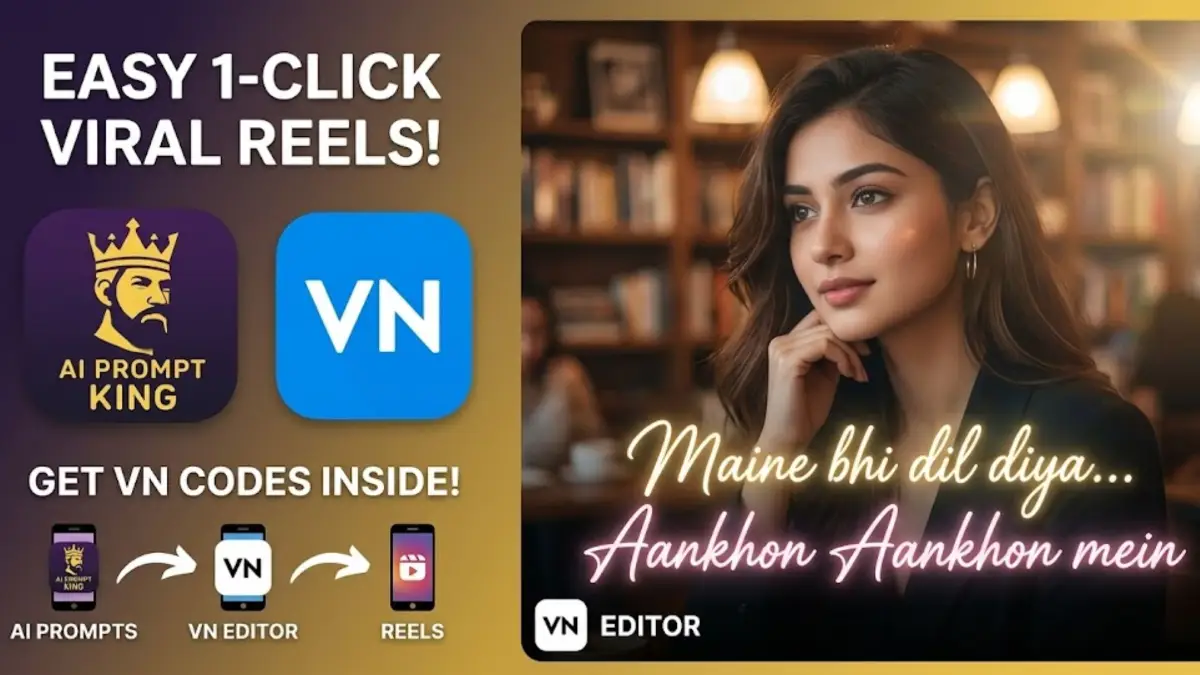
How to Make Viral AI Aesthetic Lofi Reels for Instagram using VN Codes
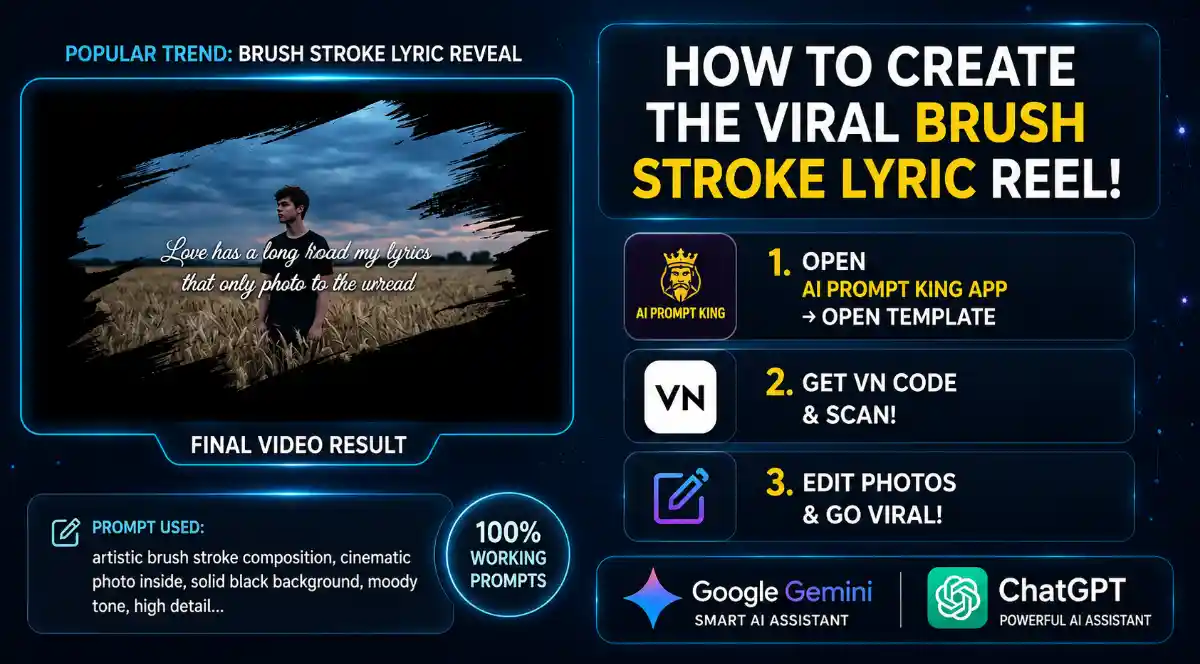
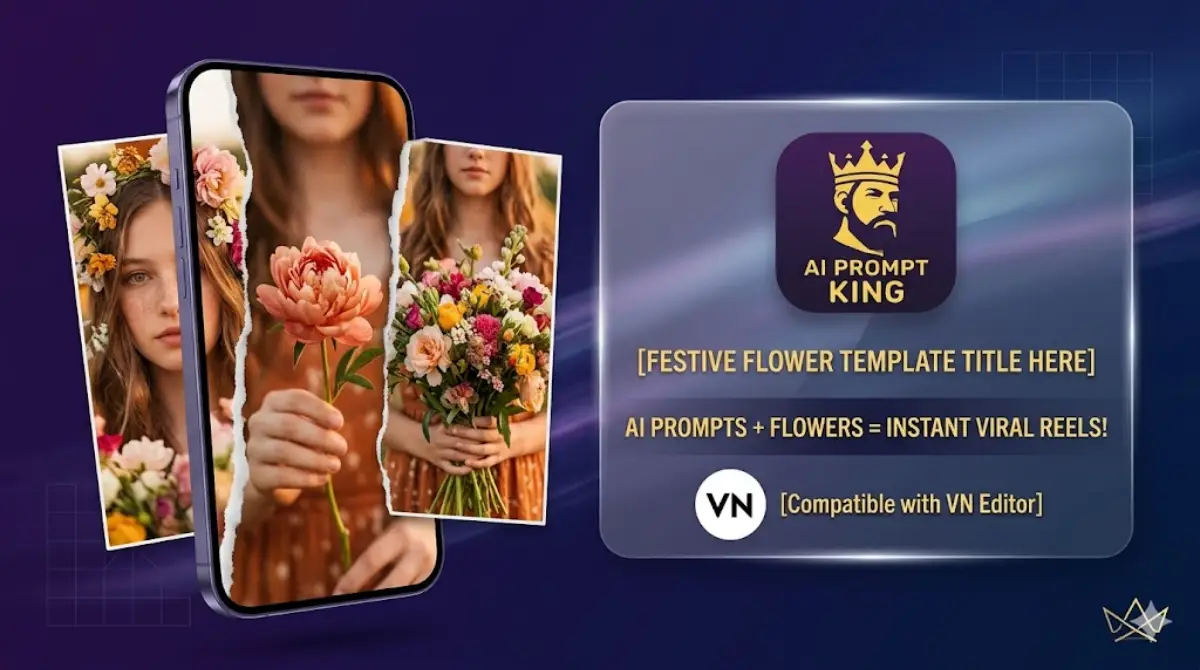
Aajkal Instagram scroll karte hue aapne zaroor aisi aesthetic reels dekhi hongi jisme cinematic AI visuals ke sath lofi music aur glowing lyrics (jaise “Maine bhi dil diya” ya “Aankhon Aankhon”) hote hain. Is tarah ki reels page grow karne aur jaldi viral hone ke liye sabse best hain.
Agar aap bhi aisi reels banana chahte hain, toh ab aapko ghanto editing karne ki zaroorat nahi hai. Aap sirf ek click mein hamare app ke VN Codes ka use karke aisi trending reels bana sakte hain.
Yahan iska simple step-by-step process diya gaya hai:
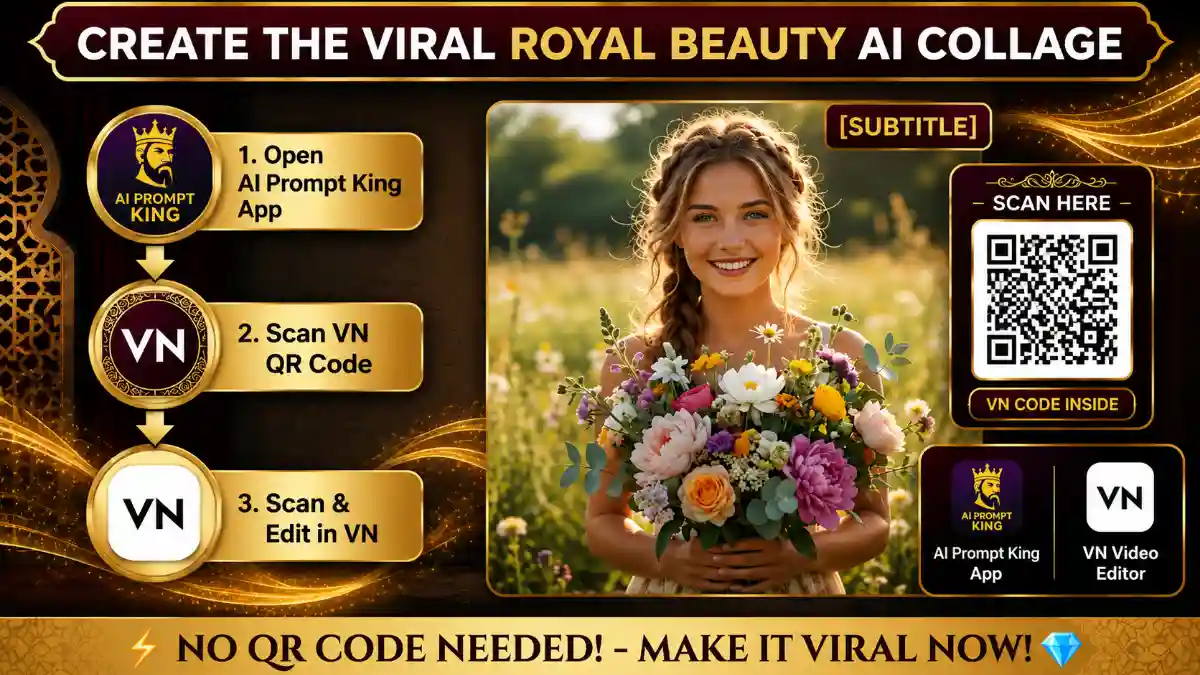
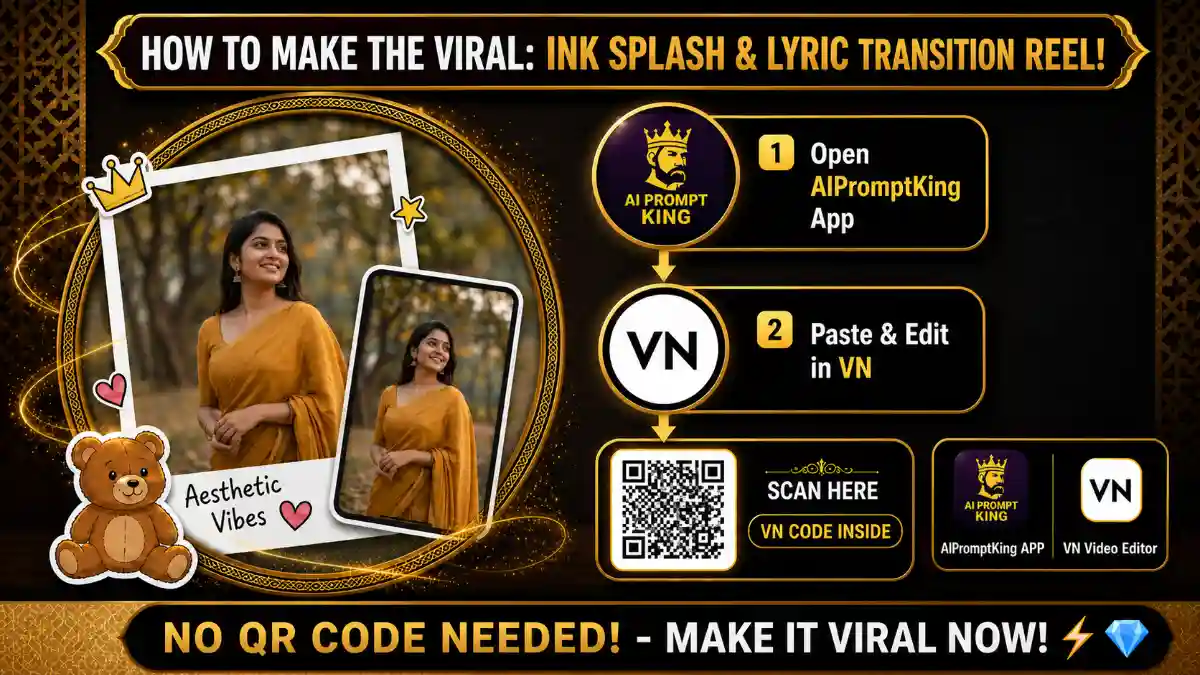
Step 1: Hamara App Download Karein
Aisi professional aesthetic reels banane ke liye sabse pehle aapko hamara official app download karna hoga. Is app mein aapko Instagram ke sabse latest trends aur unke templates ek hi jagah mil jayenge. 👉 (Yahan apne app ka Play Store link add karein)
Step 2: Trending VN Code Find Karein
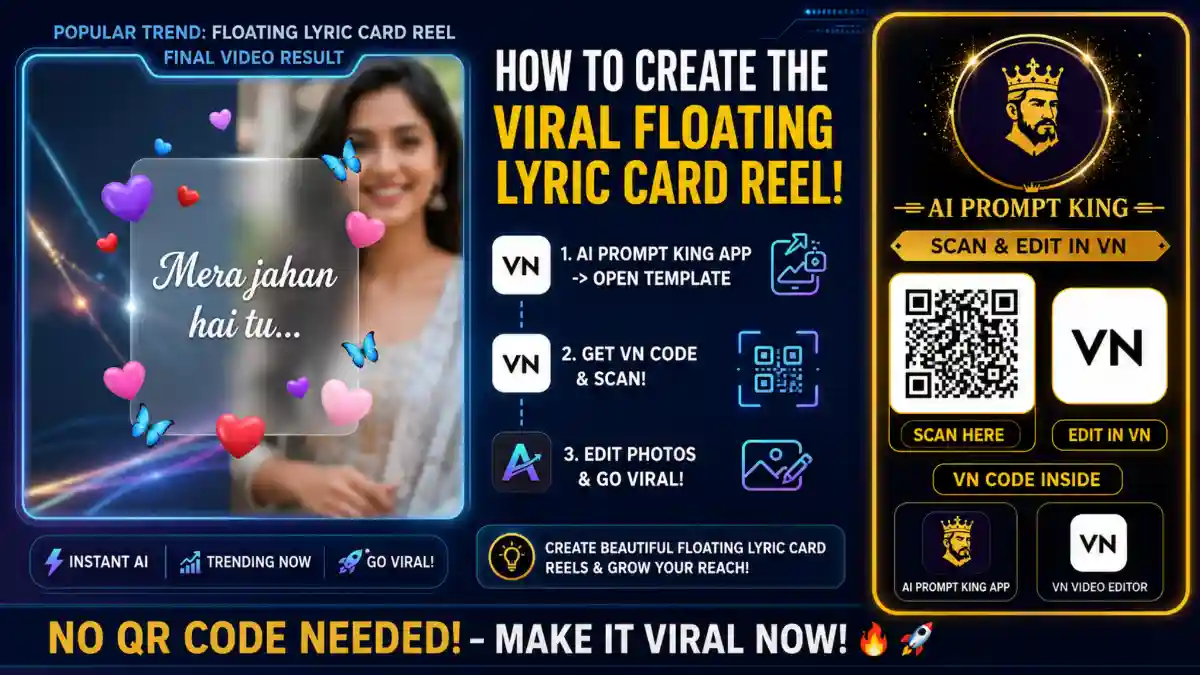
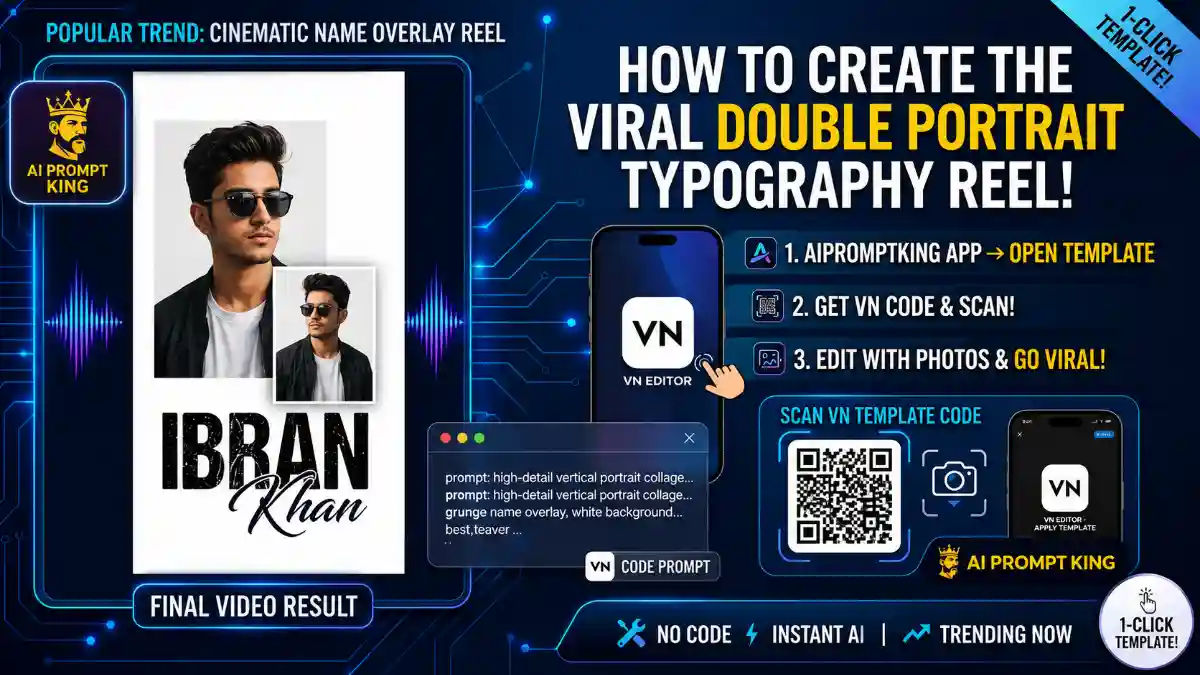
App install karne ke baad, use open karein aur ‘Trending Templates’ ya ‘VN Codes’ section mein jayein. Wahan aapko is lofi lyrics wali video ka exclusive VN QR Code mil jayega. Us code ko apne phone ki gallery mein save kar lein.

Step 3: VN Editor Mein Code Scan Karein
Ab apne phone mein VN Video Editor app open karein (agar nahi hai toh Play Store se free mein download kar lein).
- VN app ke top right corner mein diye gaye ‘Scanner’ icon par click karein.
- Hamare app se save kiya hua QR code gallery se select karke scan karein.
- Scan karte hi aapke samne puri bani-banayi aesthetic template open ho jayegi.
Step 4: Apni Photo Add Karein aur Export Karein
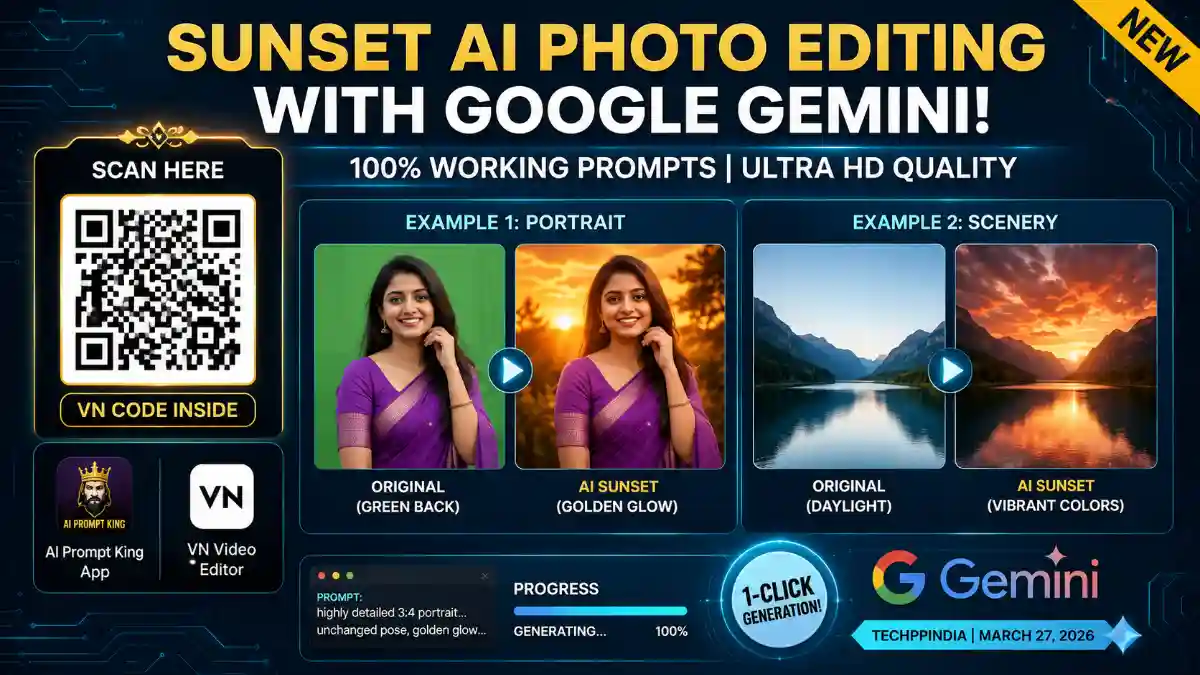
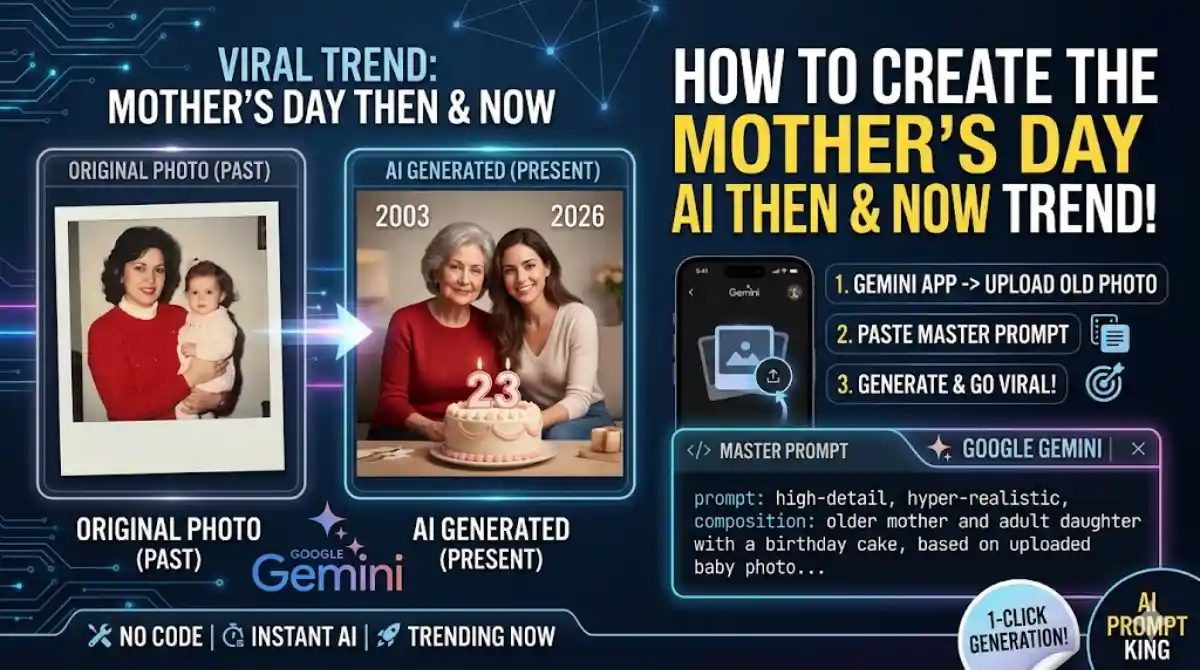
Template open hone ke baad, bottom mein ‘Download’ par click karein aur fir ‘Use Template’ select karein. Ab bas apni gallery se koi bhi achhi AI generated photo ya video clip select karein. (Pro Tip: Best AI images banane ke liye prompts bhi aapko hamare app mein mil jayenge!)
Sirf ek click mein VN editor apne aap text, glow effect, aur beat sync apply kar dega. Apni video ko 1080p aur 60fps par export karein aur Instagram par upload karne ke liye aap bilkul ready hain!
How to Use This Guide
This tutorial is part of VelocAI’s growing library of practical AI guides. Every step above has been tested on real devices before publishing, so the workflow you see is the same one that produced the demo result. If a step looks unfamiliar, scroll back to the top and match the screenshots one by one before moving forward — small details (aspect ratio, export quality, audio sync) make a big difference in the final output.
Pro Tips for Better Viral Reels
- Hook in the first second: The opening frame decides if a viewer keeps watching or scrolls away. Lead with motion, a face, or a contrasting colour.
- Match audio to motion: Use VN’s beat markers to align cuts with the music drop. Reels that feel “in time” with the audio get more replays.
- Keep duration tight: 7–15 seconds usually outperforms longer edits for trending audios. Remove any second that does not add value.
- Export at 1080p, 30fps: Higher bitrate exports look noticeably cleaner on Instagram’s compressed feed.
- Reuse winning templates: If a reel performs well, post a follow-up using the same structure within 48–72 hours while the algorithm is favourable.
Common Mistakes to Avoid
Most reels fail because of small, fixable issues, not because the template is bad. Watch out for these:
- Wrong aspect ratio: Always export 9:16 vertical. A 16:9 export with black bars looks unprofessional and gets less reach.
- Skipping the cover frame: A clean cover image dramatically improves click-through from the Reels grid — do not leave it as the first auto-frame.
- Copyrighted music in the wrong region: Some songs are blocked in specific countries; preview your reel from a friend’s account before declaring it final.
- Over-editing: Too many transitions feel chaotic. Three to five hard cuts plus the trending audio is usually enough.
What You Need to Recreate This
- A smartphone with the latest VN Video Editor installed
- The exact template / VN code shared in the post above
- One reference photo or video clip in good lighting
- The trending audio saved to your VN drafts
- Roughly 5–10 minutes of focused editing time
FAQ
Is this method free to use?
The core workflow uses tools that have a generous free tier. Where a paid plan unlocks faster rendering or higher quality, the post mentions it explicitly. You can complete the basic tutorial without paying anything.
How long does it take to recreate this?
Most readers finish in 10–20 minutes the first time and under 5 minutes once familiar with the tool. The slowest part is usually the rendering or export step.
Will this work on my phone?
Yes — this guide is mobile-first wherever possible. The tutorial uses tools available on both Android and iOS. If a desktop step is required it will be clearly marked.
What if my output looks different from the demo?
Small differences in source media (lighting, framing, resolution) change the final result. Re-check the inputs first, then revisit the settings step by step. Most variations come from a single mismatched parameter.
Can I use this commercially?
It depends on the licence of the underlying tool, music, or assets. Check the original tool’s terms of service before using output for paid client work or branded campaigns.
Found an error in this guide or want to suggest an update? Drop us a note via the contact page — we read every message.