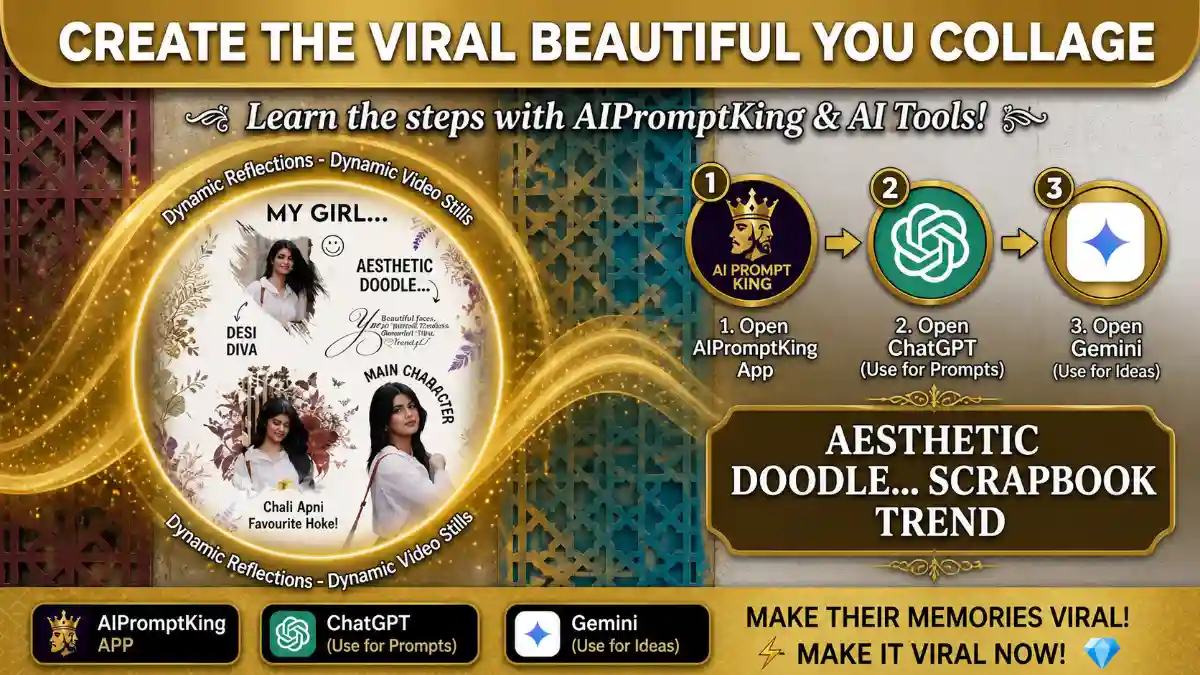
Social media par aaj kal ek naya aesthetic trend kaafi pasand kiya ja raha hai—Beautiful YOU. Isme aapki photos ko brush strokes aur vintage flowers ke saath ek white minimalist background par design kiya jata hai. Sabse achhi baat yeh hai ki ab aapko ghanton Photoshop karne ki zarurat nahi hai; aap ChatGPT (DALL-E 3) ka use karke ise asani se bana sakte hain.
Step 1: Open the AIPromptKing App
Is trend ko perfect banane ke liye aapko sahi “Master Prompt” ki zarurat hogi.
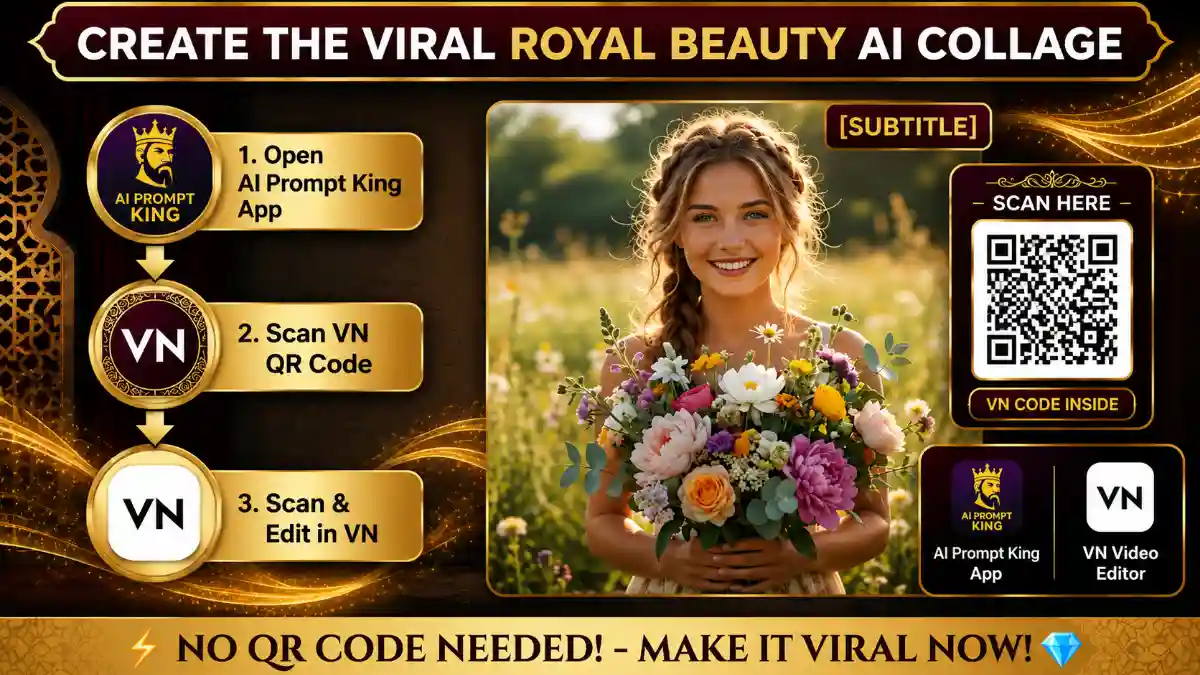
- Apne phone mein AIPromptKing App open karein.
- “Beautiful YOU” section mein jayein aur wahan se special AI prompt copy karein.
- Yahan aapko alag-alag styles ke prompts mil jayenge jo ChatGPT ke liye optimize kiye gaye hain.
Step 2: Access ChatGPT (DALL-E 3)
Ab aapko apni image generate karne ke liye ChatGPT par jana hoga.
- Apne browser ya app mein ChatGPT open karein.
- Dhyan rakhein ki aap DALL-E 3 enabled model use kar rahe hain.
- AIPromptKing app se copy kiya hua prompt paste karein.
Step 3: Generate and Customize
- Photo Reference: Agar aap apni khud ki photo use karna chahte hain, toh apni photo upload karein aur ChatGPT ko likhein: “Use this photo’s face and features to create a collage in this style.”
- Apply Master Prompt: Niche diye gaye prompt ka use karein:
Master Prompt: “Generate a high-quality vertical aesthetic collage on a clean white background. Feature a beautiful young woman in three different poses. One pose should be inside a creative artistic brush stroke frame, another with a vintage floral and butterfly background, and the third as a clear full-body cut-out. Add lavender and sunflower doodles in the corners. Include elegant black cursive text that says: ‘You: Beautiful Eyes, Beautiful Smile, Beautiful YOU… Beautiful’. The overall style should be minimalist, clean, and artistic. 4K resolution, professional graphic design style. Don’t change face.”
Step 4: Final Export
- ChatGPT dwara di gayi image ko review karein.
- Perfect result milne par use Download karein.
- Is image ko Instagram par ek soft aesthetic music ke saath share karein aur viral ho jayein!
How to Use This Guide
This tutorial is part of VelocAI’s growing library of practical AI guides. Every step above has been tested on real devices before publishing, so the workflow you see is the same one that produced the demo result. If a step looks unfamiliar, scroll back to the top and match the screenshots one by one before moving forward — small details (aspect ratio, export quality, audio sync) make a big difference in the final output.
Getting the Most Out of This Tutorial
- Read the whole guide once before starting, then follow it step by step.
- Bookmark the tools and prompts mentioned — you will reuse them.
- If a step does not work the first time, change one variable and try again. Most issues come from a single setting that is slightly off.
- Save your final output project file so you can iterate without starting from scratch next time.
Related Resources on VelocAI
If you found this useful, the homepage carries the latest tutorials, tool reviews, and prompt packs published this week. Browse our AI Tools category for hands-on reviews, the AI Prompts archive for tested prompts you can copy-paste today, and our About page if you want to know more about how VelocAI tests and publishes content.
FAQ
Is this method free to use?
The core workflow uses tools that have a generous free tier. Where a paid plan unlocks faster rendering or higher quality, the post mentions it explicitly. You can complete the basic tutorial without paying anything.
How long does it take to recreate this?
Most readers finish in 10–20 minutes the first time and under 5 minutes once familiar with the tool. The slowest part is usually the rendering or export step.
Will this work on my phone?
Yes — this guide is mobile-first wherever possible. The tutorial uses tools available on both Android and iOS. If a desktop step is required it will be clearly marked.
What if my output looks different from the demo?
Small differences in source media (lighting, framing, resolution) change the final result. Re-check the inputs first, then revisit the settings step by step. Most variations come from a single mismatched parameter.
Can I use this commercially?
It depends on the licence of the underlying tool, music, or assets. Check the original tool’s terms of service before using output for paid client work or branded campaigns.
Found an error in this guide or want to suggest an update? Drop us a note via the contact page — we read every message.