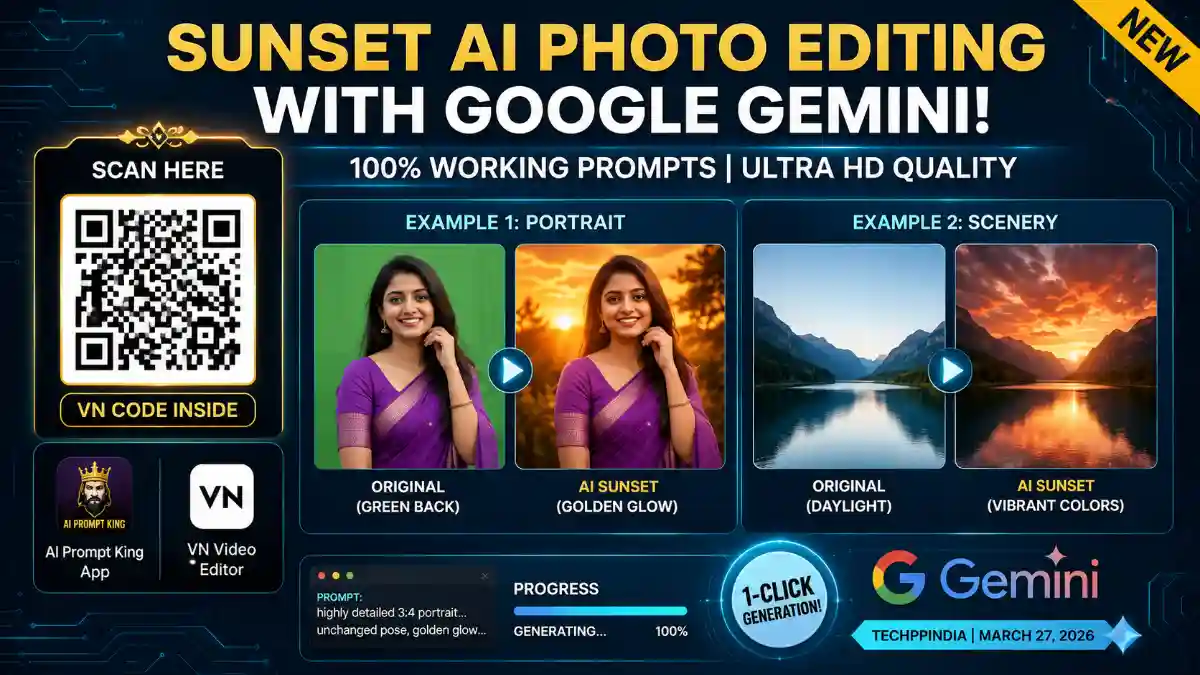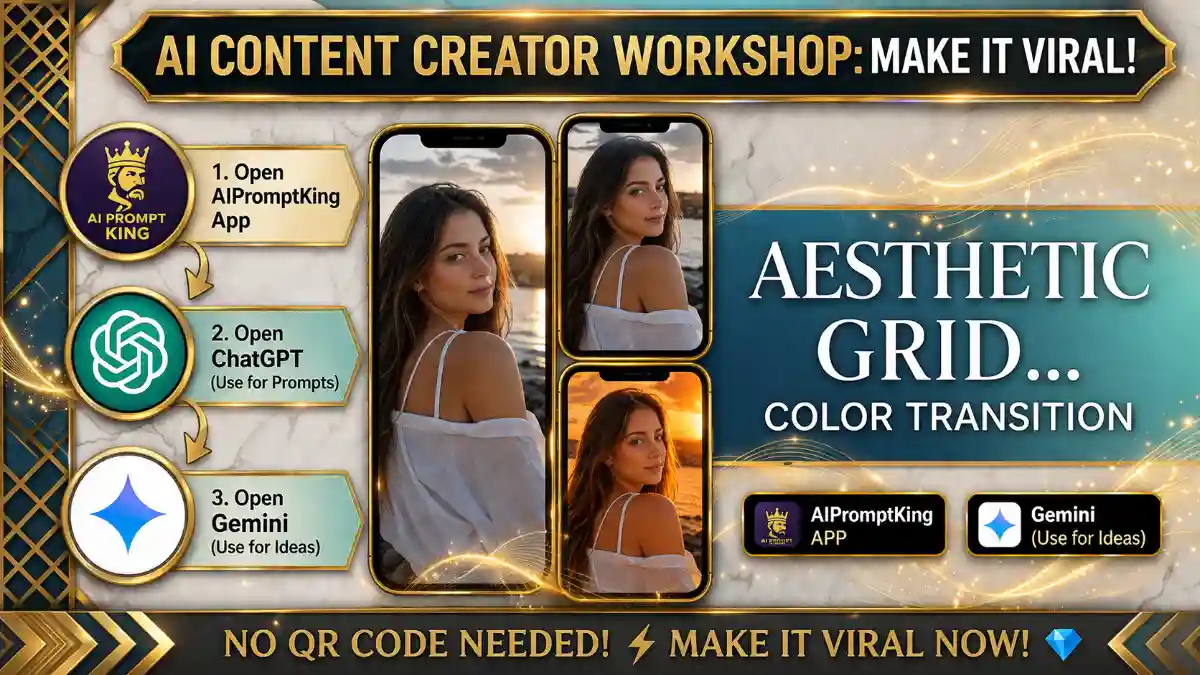
Sunset AI Photo Editing Doston, aaj kal Instagram aur baaki social media platforms par Sunset AI Photo Editing ka trend tezi se viral ho raha hai. Har koi apni simple photos ko ek magical golden-hour sunset look de raha hai. Agar aap bhi soch rahe hain ki yeh kaise hota hai, toh ab aapko pareshan hone ki zarurat nahi hai!
Pehle aisi photos banane ke liye logon ko 4 se 5 alag-alag editing apps (jaise Lightroom, Snapseed) ka use karna padta tha. Lekin ab AI ke zamane mein, aap Google Gemini ka use karke bas ek click mein apni photo ko ek stunning Sunset AI Photo Editing masterpiece mein badal sakte hain. Niche maine aapko 100% working Sunset AI Photo Editing prompts diye hain, jinhe copy karke aap apna khud ka viral photo bana sakte hain.
Why Use These Sunset AI Prompts?
Yeh prompts specifically Google Gemini ke liye design kiye gaye hain. Inki madad se aapki photo mein ek perfect color palette, golden aesthetic aur Ultra HD quality add ho jati hai.
Pro Tip for Best Results: Yeh prompts kisi bhi photo par kaam karte hain, lekin agar aap aisi photo upload karte hain jiske background mein lush green trees ya nature ho, toh sunset ka effect aur bhi zyada realistic aur striking nikal kar aayega! Result itna natural hoga ki koi pehchan nahi payega ki yeh Sunset AI Photo Editing generated hai.
The Master Sunset AI Prompts (100% Working)
Aap niche diye gaye prompt ko direct copy karke Google Gemini mein paste kar sakte hain. (Note: Dono prompts same aesthetic dete hain, aap kisi ek ka use kar sakte hain).
Sunset Prompt 1:
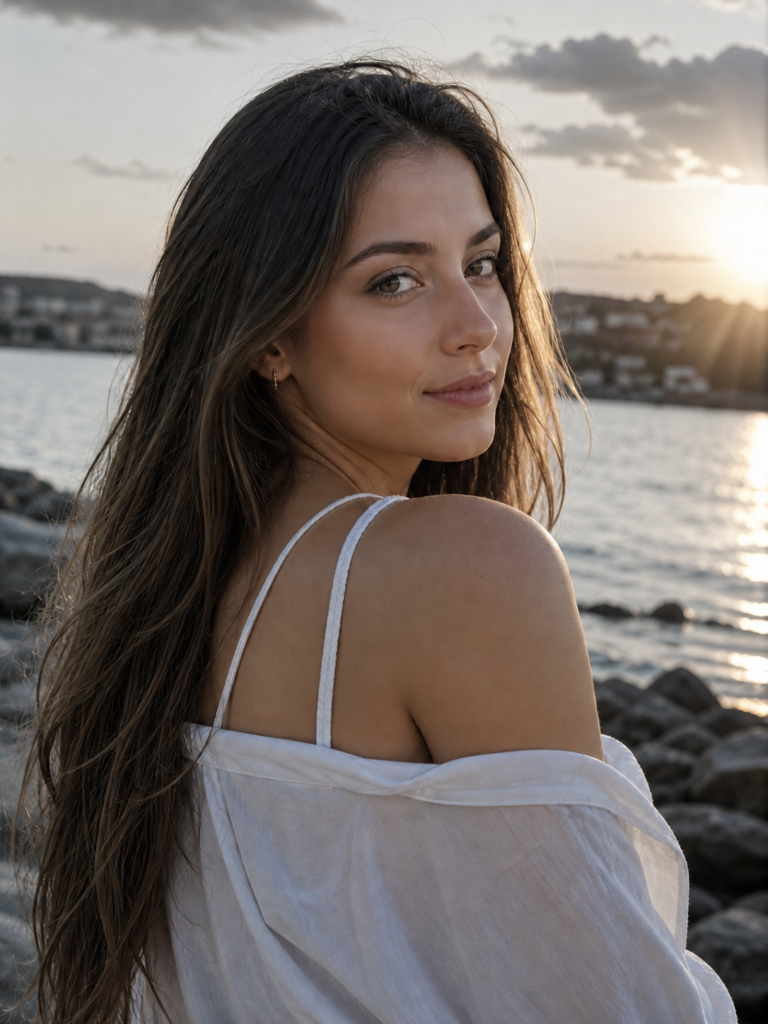
“A high-definition (Ultra HD) 3:4 portrait photo of a person during sunset. The original person and their pose must remain unchanged, but bathed in a warm, golden hour glow. This lighting should create a visible golden highlight in the person’s hair. The natural background from the original image should be present, but transformed by the sunset lighting. Focus should be sharp on the person’s face, making it clear and detailed, despite the soft backlighting. The background should be naturally lit and show clear sunset details, blending seamlessly into the atmosphere.” Don’t change face
Sunset Prompt 2:
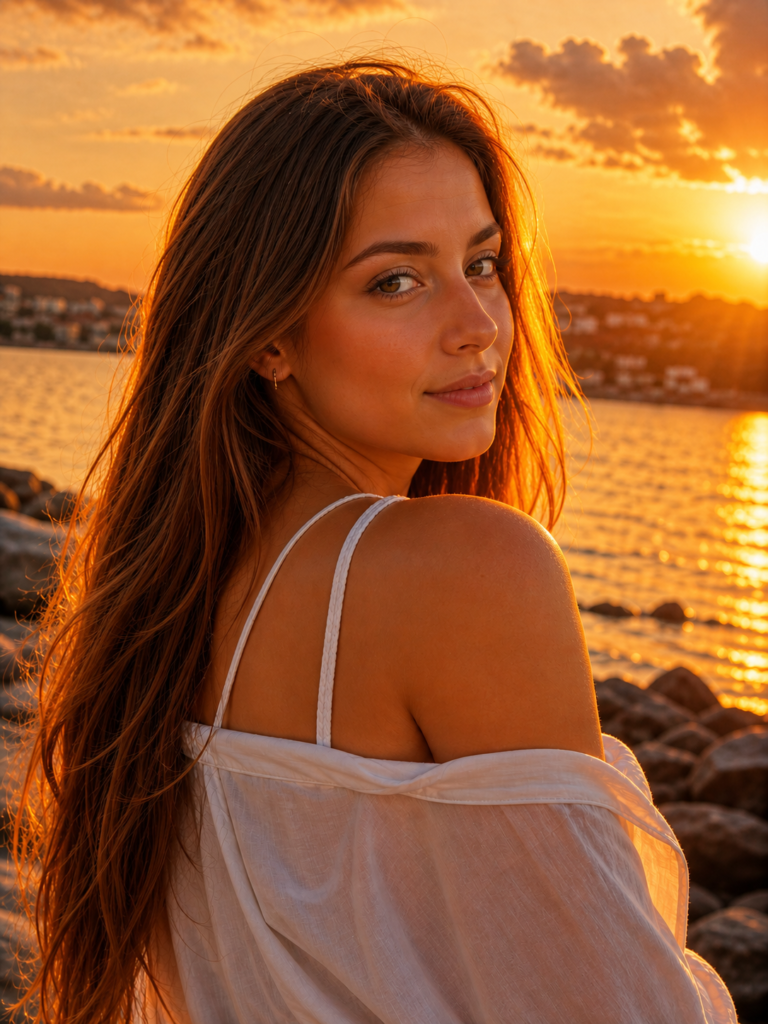
“A high-definition (Ultra HD) 3:4 portrait photo of a person during sunset. The original person and their pose must remain unchanged, but bathed in a warm, golden hour glow. This lighting should create a visible golden highlight in the person’s hair. The natural background from the original image should be present, but transformed by the sunset lighting. Focus should be sharp on the person’s face, making it clear and detailed, despite the soft backlighting. The background should be naturally lit and show clear sunset details, blending seamlessly into the atmosphere.” Don’t change face
How to Use Google Gemini for Sunset AI Photo Editing?
Agar aapko nahi pata ki in prompts ka use kaise karna hai, toh bas in simple steps ko follow karein:
- Open Google Gemini: Sabse pehle apne phone ya PC par Google Gemini open karein aur apni Gmail ID se login karein.
- Upload Your Photo: Chatbox mein niche diye gaye ‘+’ (Plus) icon par tap karein aur apni ek aisi photo upload karein jisme aapka face clear dikh raha ho.
- Paste the Prompt: Upar diye gaye Sunset AI Photo Editing Prompt ko copy karein aur apni upload ki hui photo ke saath text box mein paste kar dein.
- Generate & Download: Enter press karein aur kuch hi seconds mein AI aapki photo ko golden hour theme mein generate kar dega. Ise easily download kar lein.
Extra Pro Tips for Perfection:
- Re-generate: Agar pehli baar mein photo aapke man-mutabik nahi aati hai, toh same prompt ko ek naye page/chat par dobara apply karein. Yeh 100% DSLR jaisa result dega.
- Enhance Quality: Download karne ke baad, photo ki clarity aur facial details ko aur zyada sharp karne ke liye aap Remini ya PicsArt jaise apps ka use kar sakte hain.